
Product
Install MuJoCo and Run Your First Simulation With One Prompt
Installing MuJoCo means chasing dependencies and configuring your environment. Here's how to install MuJoCo and launch a benchmark in one prompt with Drift.
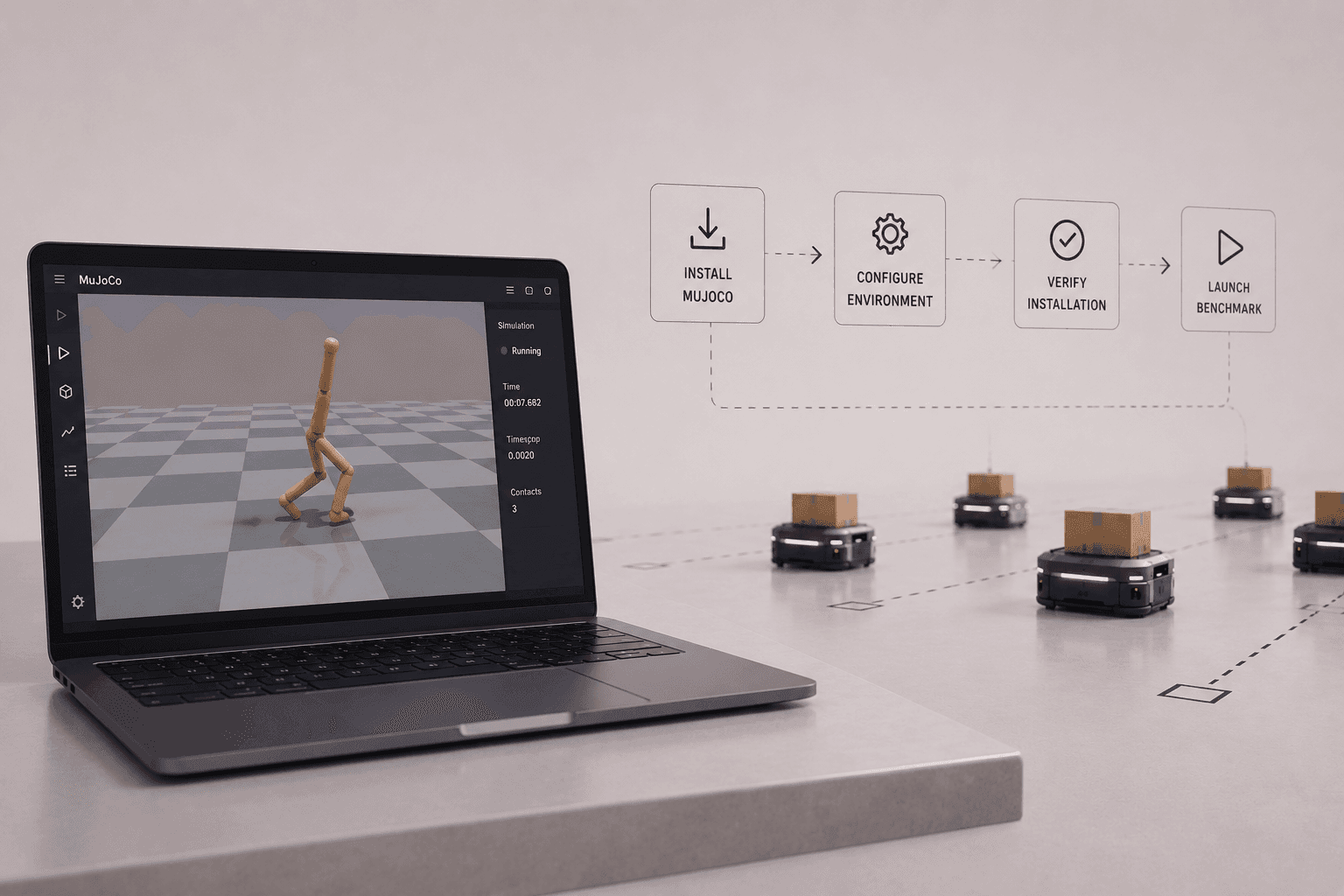
MuJoCo powers some of the most famous robotics and reinforcement learning benchmarks. The catch is getting it installed and configured before you can touch any of them.
MuJoCo powers some of the most widely used robotics and reinforcement learning benchmarks. But before you can run any of them, you need to install MuJoCo and configure your environment correctly. This walkthrough goes from a fresh environment to a first MuJoCo simulation by letting Drift handle the entire setup in one go.
Why installing MuJoCo isn't always quick
On paper, installing MuJoCo is a one-line job: pip install mujoco. In practice, the setup that surrounds it is where time disappears. You still need a clean Python environment, the right supporting packages for rendering and for the benchmark suite, and a quick check that everything actually launches rather than failing on a missing dependency.
For a lot of people, that first hour goes to chasing packages and fixing environment issues instead of running a single simulation. It's a small tax, but you pay it every time you set up a new machine or project.
Installing MuJoCo from a clean environment with one prompt
Instead of doing that by hand, we start from a clean environment and let Drift take the whole task. The prompt asks it to install MuJoCo, verify the installation, and launch a benchmark environment.
Here's what it handles, in order:
- **It installs MuJoCo and pulls in the dependencies: **As MuJoCo installs, Drift automatically brings in the supporting packages it needs to run, so there's no separate round of hunting down missing requirements.
- It configures the environment: Drift sets up the environment so the simulator and its rendering work together, rather than leaving you to debug configuration after the fact.
- It verifies the installation: Before declaring success, it confirms MuJoCo is actually working, which is the step people most often skip and then regret.
- It launches a benchmark environment: Finally, it brings up a benchmark so you can see the physics running, not just a "package installed" message.
Exploring your first MuJoCo simulation
Once the simulator is up, you can interact with the model, tweak the controls, and watch how MuJoCo handles physics in real time. It's a simple benchmark, but it's also the first real step toward building more advanced robotics and reinforcement learning simulations.
At this point MuJoCo is installed, verified, and ready to use. The setup that usually eats your first hour is done, and you got there from a single prompt against an empty environment.
Where to go after installing MuJoCo
From here, the interesting work begins. You can explore the built-in benchmark environments like Hopper, HalfCheetah, and Ant, experiment with your own models, or start building more advanced robotics and reinforcement learning projects, all without spending your first hour wrestling with the setup.
If you're still deciding whether MuJoCo is the right tool, our guides on what makes MuJoCo special and how the major robot simulators compare are good next reads. Otherwise, install it, launch a benchmark, and start experimenting today.
FAQ
- How do you install MuJoCo? The core install is
pip install mujocointo a Python environment. Beyond that you typically need supporting packages for rendering and for the benchmark suite, plus a quick verification step. In this walkthrough, Drift handles the install, dependencies, configuration, and verification from a single prompt. - Is MuJoCo hard to install? The base package is straightforward, but getting a clean environment, rendering, and benchmark dependencies all working together is where people lose time. Automating the setup removes most of that friction.
- Do you need a GPU to run MuJoCo? No. MuJoCo runs on a standard CPU for most simulation and benchmark use. A GPU mainly helps with the MJX branch, which runs many simulations in parallel for large-scale reinforcement learning.
- How do you verify a MuJoCo installation? You confirm the package imports correctly and that a model and viewer launch without errors, usually by running a simple model or a benchmark environment. Skipping this is a common cause of confusing failures later.
- How do you run a MuJoCo benchmark environment? The standard benchmark environments such as Hopper, HalfCheetah, and Ant are available through Gymnasium. Once MuJoCo and the benchmark packages are installed, you can load one of these environments and watch the physics run.
- What does Drift do for MuJoCo setup? Drift installs MuJoCo, pulls in the required dependencies, configures the environment, verifies the installation, and launches a benchmark, all from a natural-language prompt, so you reach a working simulation without manual setup.


