Product
Teaching Our Custom Mobile Manipulator to Transport Objects in MuJoCo
Watch our custom mobile manipulator navigate between stations, grasp objects, and execute a full transport cycle in MuJoCo.
Assembling a custom robot in simulation validates mechanical clearance and kinematic hierarchy, but testing real operational value requires giving the machine a coordinated task. Building on our earlier setup where we mounted a Makerarm arm onto an omnidirectional base, Drift expands the scene into a two-station material transport routine.
Workstation Transport Setup
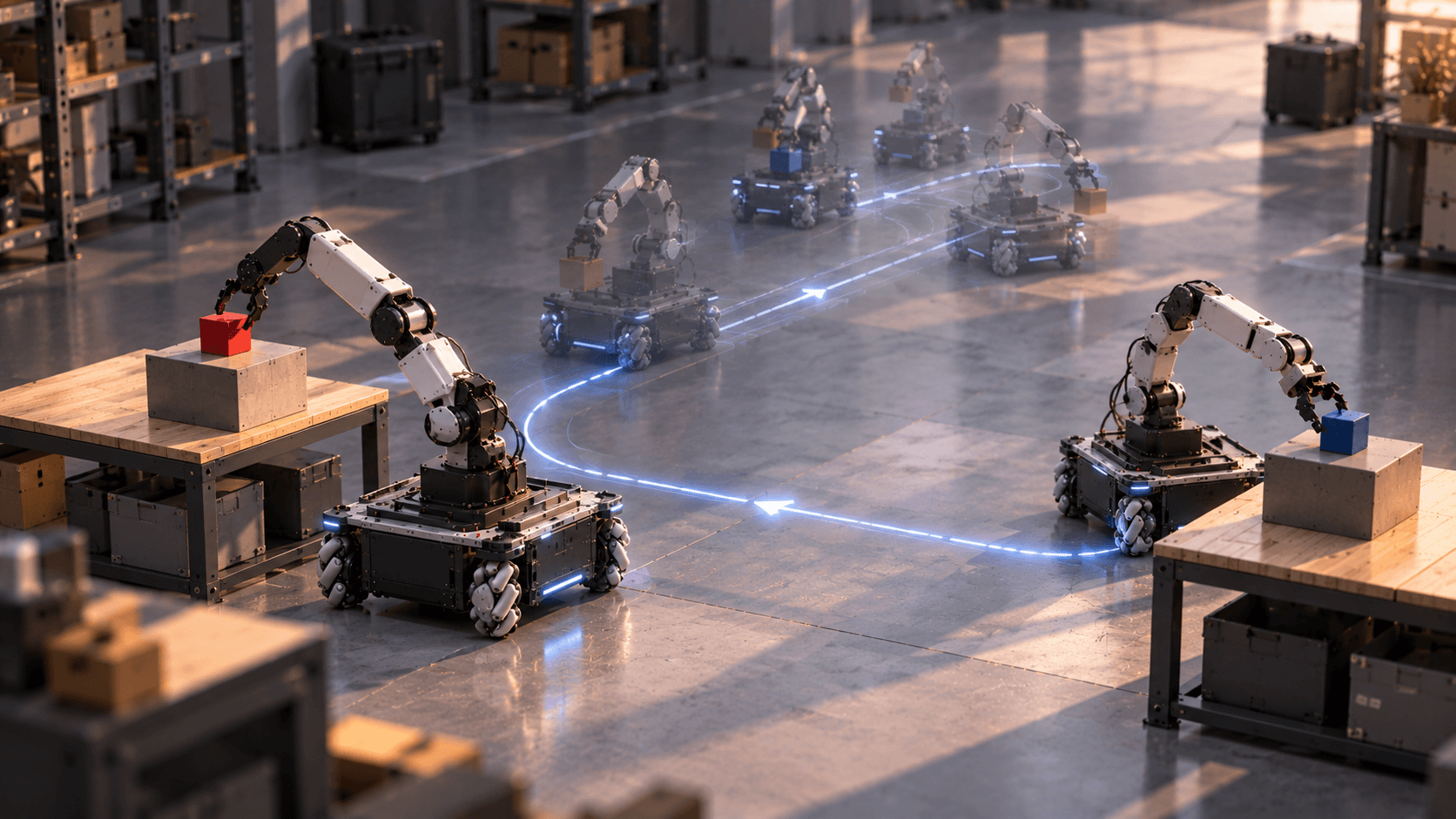
Stationary robot arms excel at repeatable local manipulation but cannot bridge separated workstations without conveyor lines. In this environment, the workspace contains two raised transfer platforms designated as Station A and Station B, each loaded with a manipulation cube. The task requires the assembled mobile manipulator to pick up the payload from Station A, transport it across the open workspace to Station B, place it securely, and then pick up the target cube from Station B to return it to Station A. The entire sequence demands continuous interaction between base propulsion, chassis positioning, and multi-axis arm motion within a single physics environment.
Coordinated Navigation and Manipulation
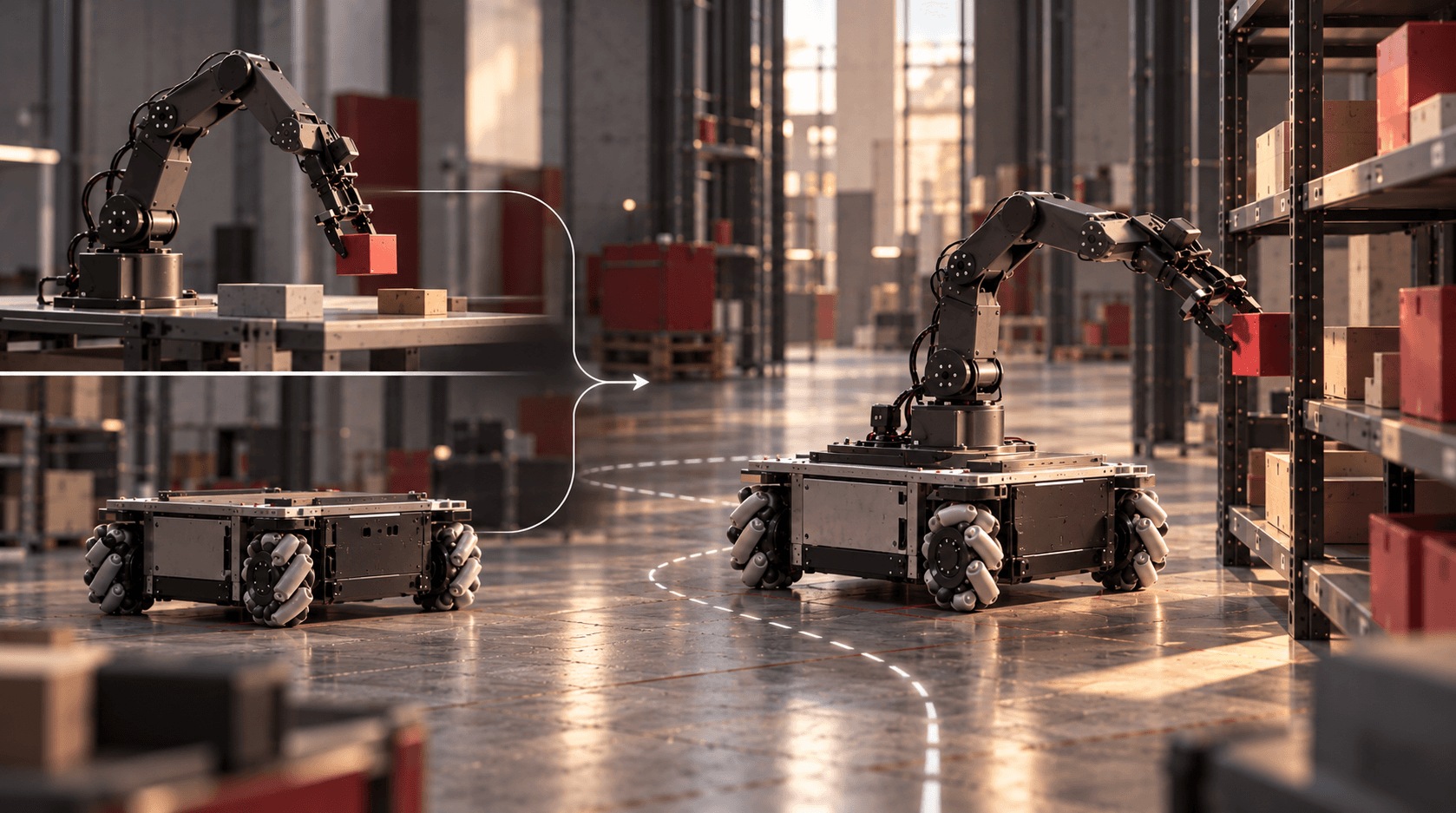
Drift configured the existing model to alternate between mobile transit and arm actuation phases. Rather than treating the platform and manipulator as disconnected systems, the controller schedules joint commands across the unified kinematic tree. At Station A, the Makerarm moves through an inverse kinematics trajectory to align its end-effector with the first cube, closes its gripper fingers, and lifts the block clear of the platform surface. Once the payload is secured, the four mecanum drive wheels activate. The omnidirectional base translates across the ground plane toward Station B. Mecanum wheels allow sideways and diagonal tracking, aligning the mobile chassis in front of Station B without swinging the robot body through wide turning arcs.
After the chassis docks at Station B, the arm extends to place the transported block on top of the target fixture. The gripper then repositions, acquires the second cube at Station B, and the base executes the transit path in reverse to complete the round-trip transport cycle back at Station A.
Dynamic Verification in Simulation
Testing coordinated transport in MuJoCo reveals physical edge cases that do not show up when testing stationary arms or ground rovers in isolation. Accelerating the base while the manipulator holds a payload introduces dynamic moments that can tip the robot if wheel accelerations are too aggressive. Similarly, stopping the mecanum base requires accurate wheel contact friction and damping parameters. If the base slides or overshoots due to loose contact parameters, the arm’s world-frame grasp trajectory misses the target cube. Running the full sequence in simulation lets engineers verify chassis stability, tune velocity ramps, and confirm grasp margins before deploying code on physical prototypes.
Moving Beyond Fixed Workstations
Evaluating the Makerarm on a mobile base demonstrates how quickly simulated assemblies transition into functional robotics setups. By chaining pick-and-place manipulation with ground navigation, the system moves past stationary constraints. The robot no longer waits for parts to arrive in front of it; it actively navigates the floor to complete multi-point tasks.
FAQ
What is the advantage of using a mobile manipulator over a stationary arm?
A stationary arm can only reach items within its immediate mechanical envelope. A mobile manipulator combines an articulated arm with a mobile base, allowing the robot to navigate between different workstations, pick objects across multiple locations, and transport payloads through facility floors.
How do mecanum wheels assist in docking at workstations?
Mecanum wheels allow omnidirectional translation, meaning the robot can move sideways, diagonally, and rotate in place. This capability makes fine docking adjustments simpler in tight spaces because the robot can translate directly toward a shelf without needing wide clearing turns.
Why test mobile pick-and-place tasks in MuJoCo?
MuJoCo simulates rigid-body contacts, joint limits, and actuator dynamics at high speed. Testing in simulation helps developers verify that the base does not slip or lose balance when the arm accelerates with a payload, preventing costly hardware collisions during early development.
Can the arm and base move simultaneously in this simulation?
While this task operates in coordinated phases covering grasping, moving the base, and placing, the unified kinematic tree in MuJoCo supports continuous whole-body trajectory control, where the base can adjust its position while the arm is actively reaching.